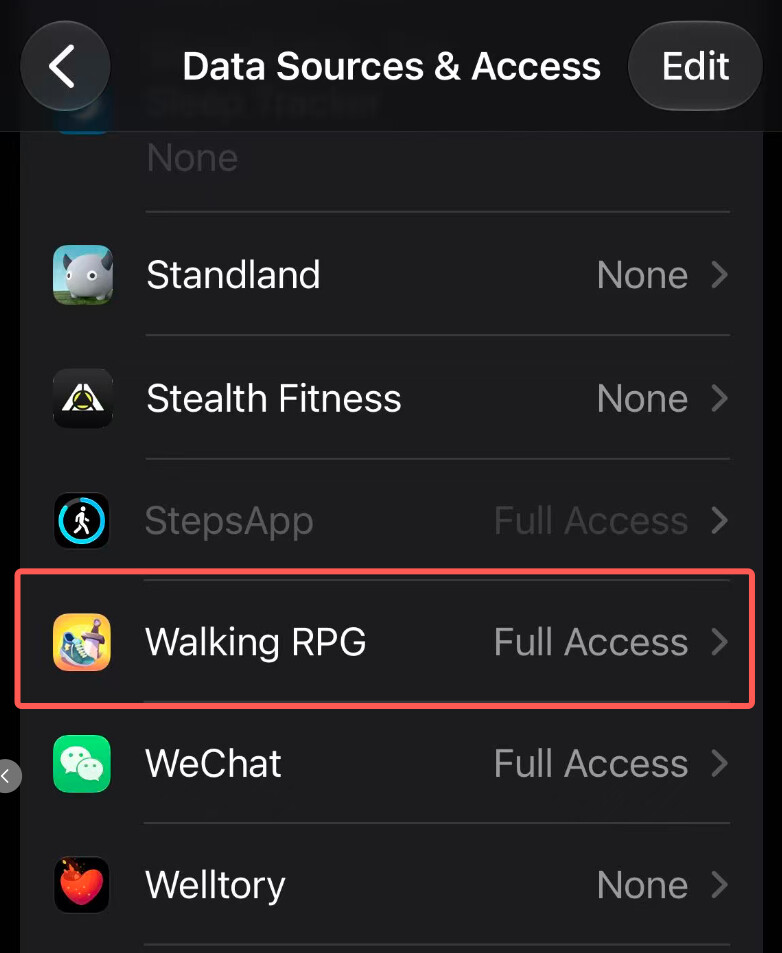
1. Check Walking RPG’s access to Health
Open Health → Steps → Data Sources & Access and make sure Walking RPG is listed under Apps Allowed to Read Data and has either Limited Access or Full Access.
2. Verify step tracking
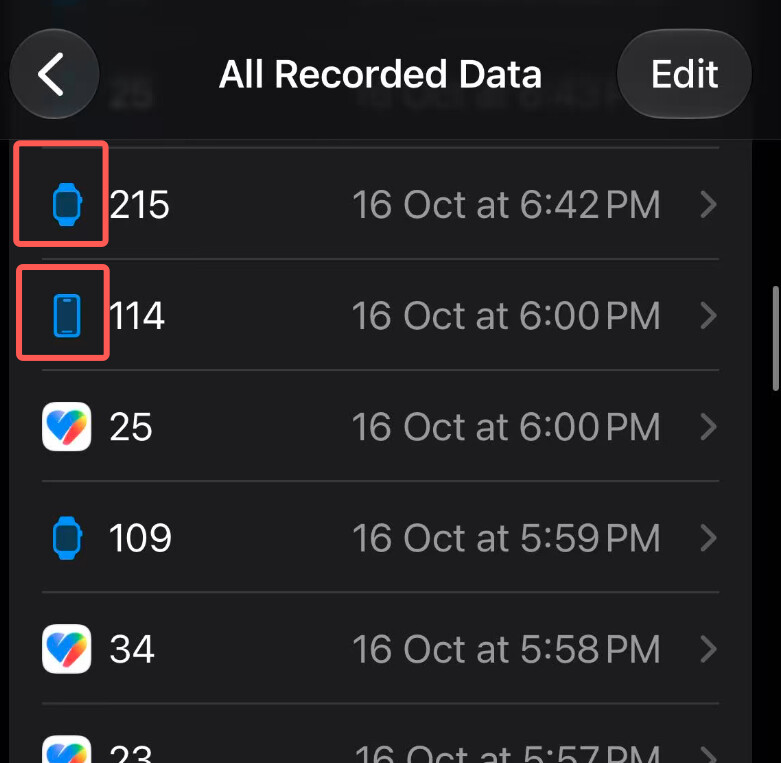
Open Health → Steps → Show All Data and check for step entries dated today.
-
The phone icon indicates steps recorded by your iPhone’s built-in step counter.
-
The watch icon indicates steps recorded by your Apple Watch.
For help connecting Walking RPG to the Health app, see our setup guide.