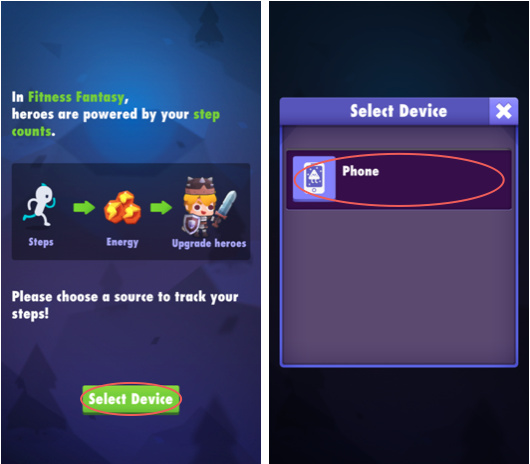
1. Choose Phone and grant permission
When the “Select Device” pops up, choose ‘Phone’ and grant the “Physical activity permisison” when it popups up.
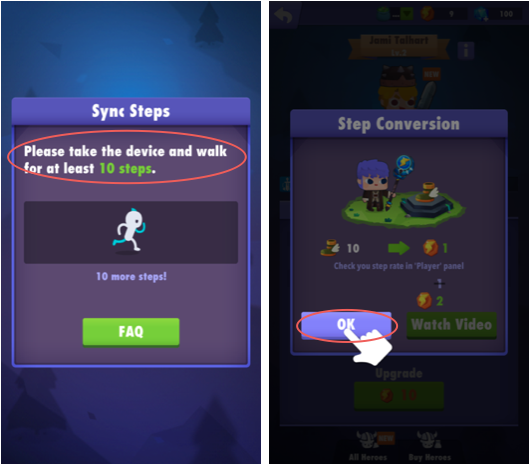
2. Nothing else needs to be done for most of the phone models
The game should now tracks step correctly. Please check the troubleshooting post if you are having any issue.
Check our troubleshooting page if you are having issues with tracking steps: