1. Open Walking RPG’s device settings
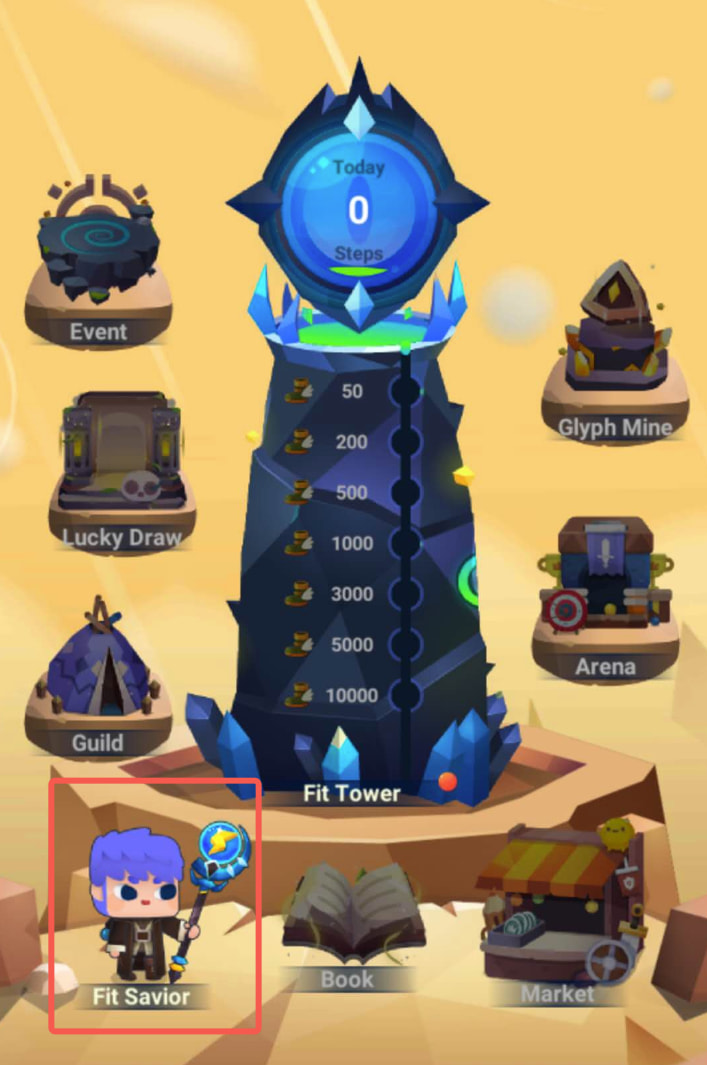
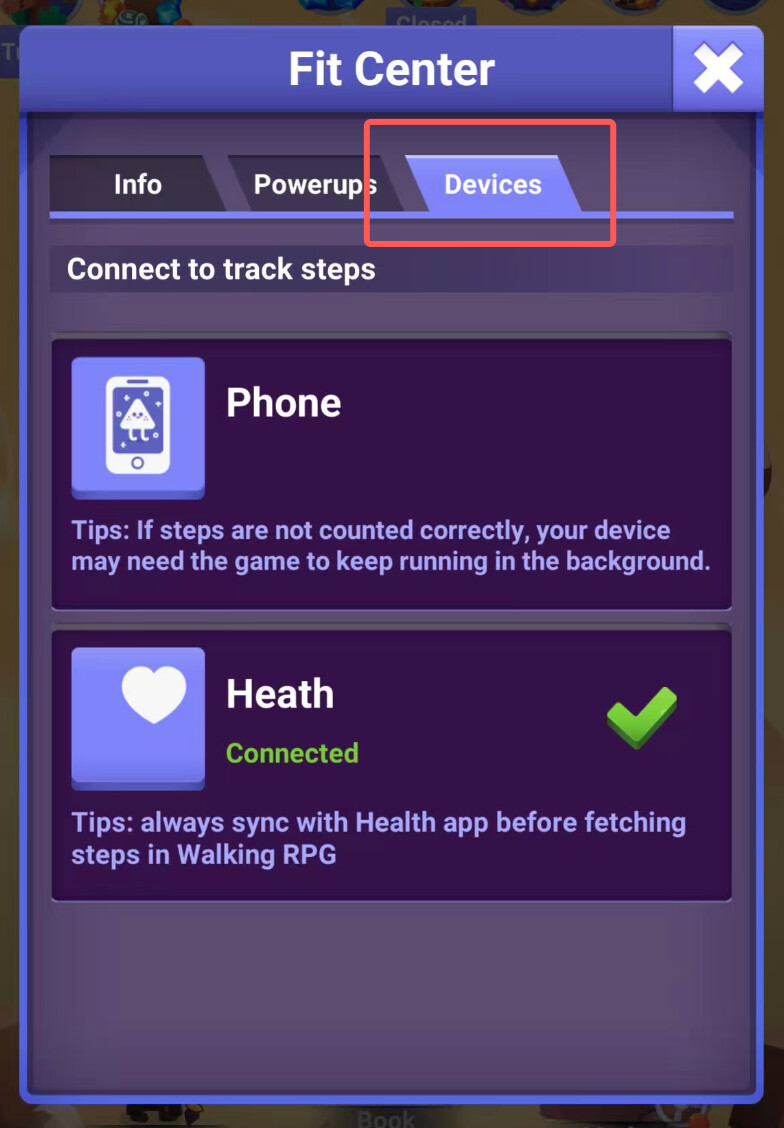
In Walking RPG, go to Fit Savior → Devices to choose your step-tracking method.
Changing tracking methods: A new method starts tracking the next day. You can switch back to your previous method and resume tracking at any time before midnight.
2. Select Health and grant permissions
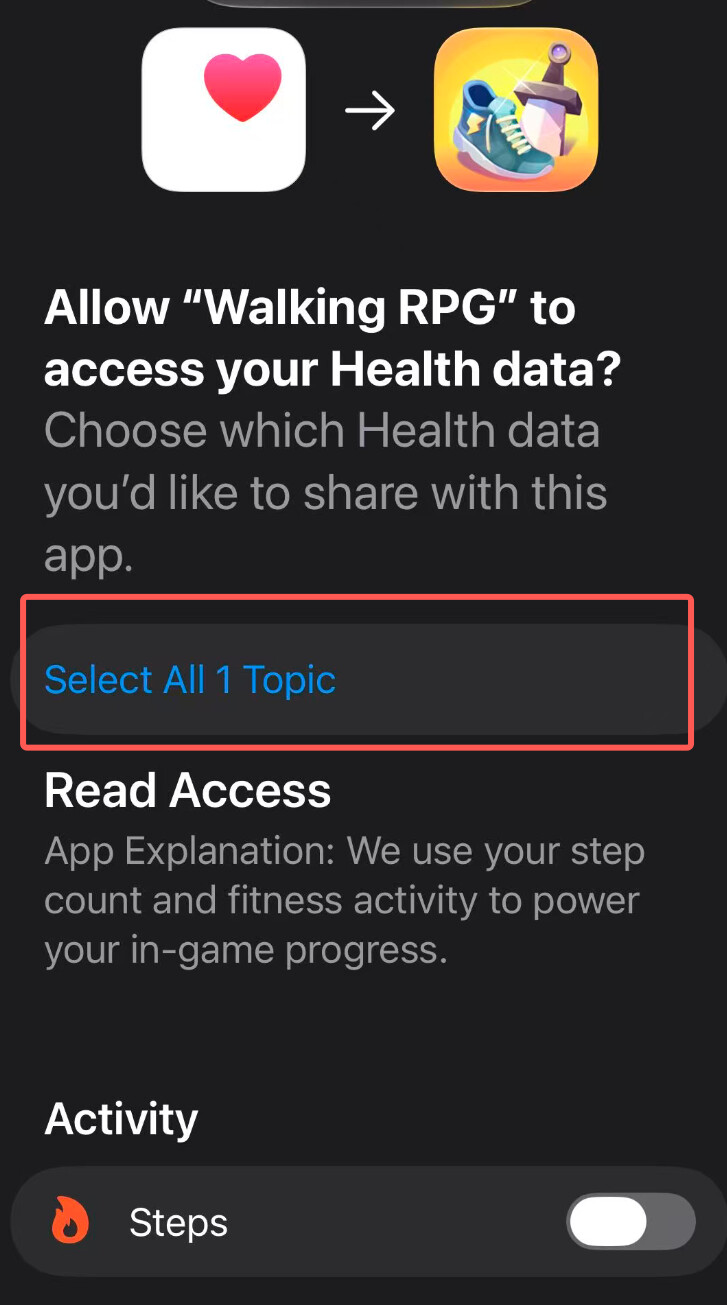
Select Health, then allow Walking RPG to read your Steps data when prompted.
If your steps aren’t being tracked correctly, see our troubleshooting guide.