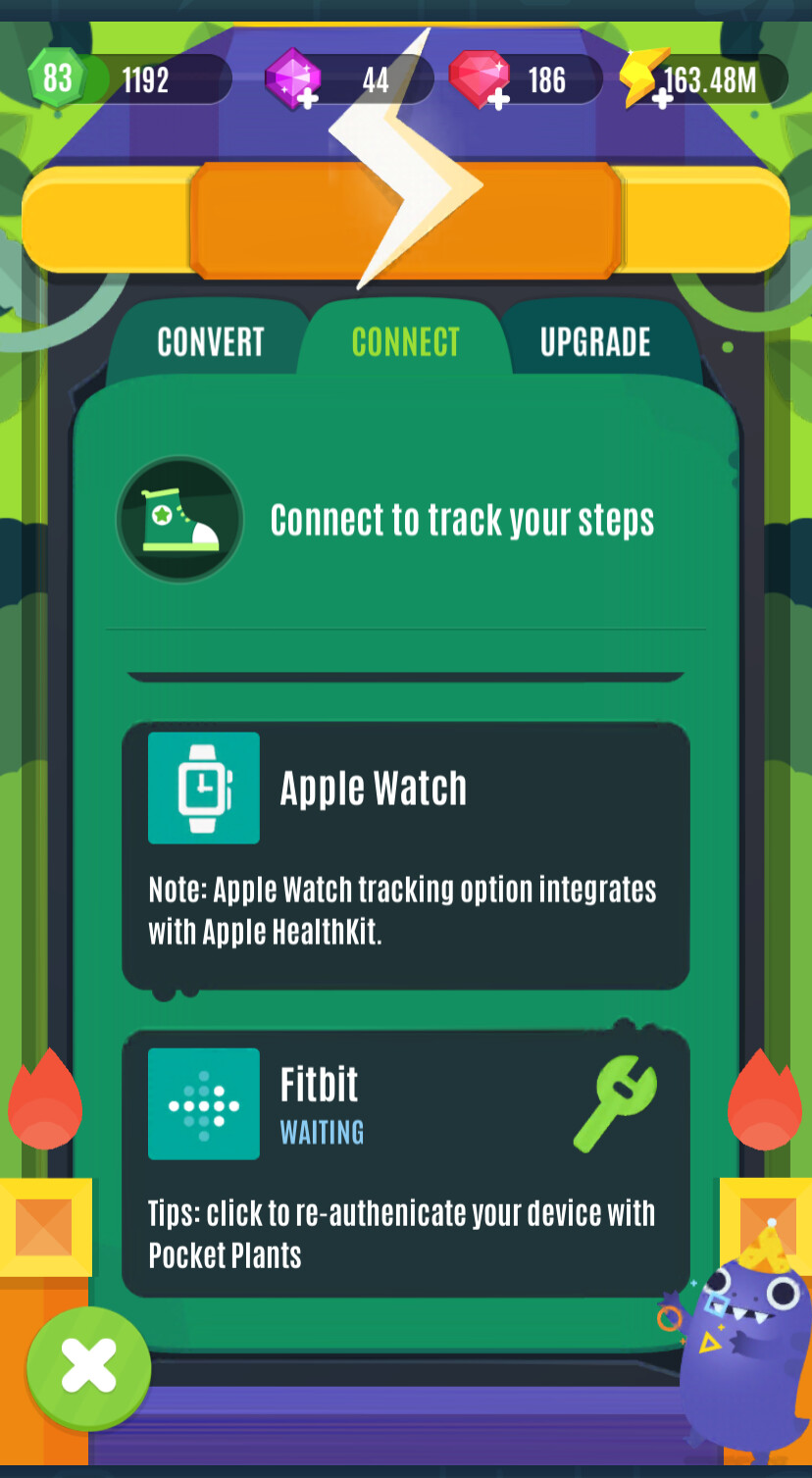
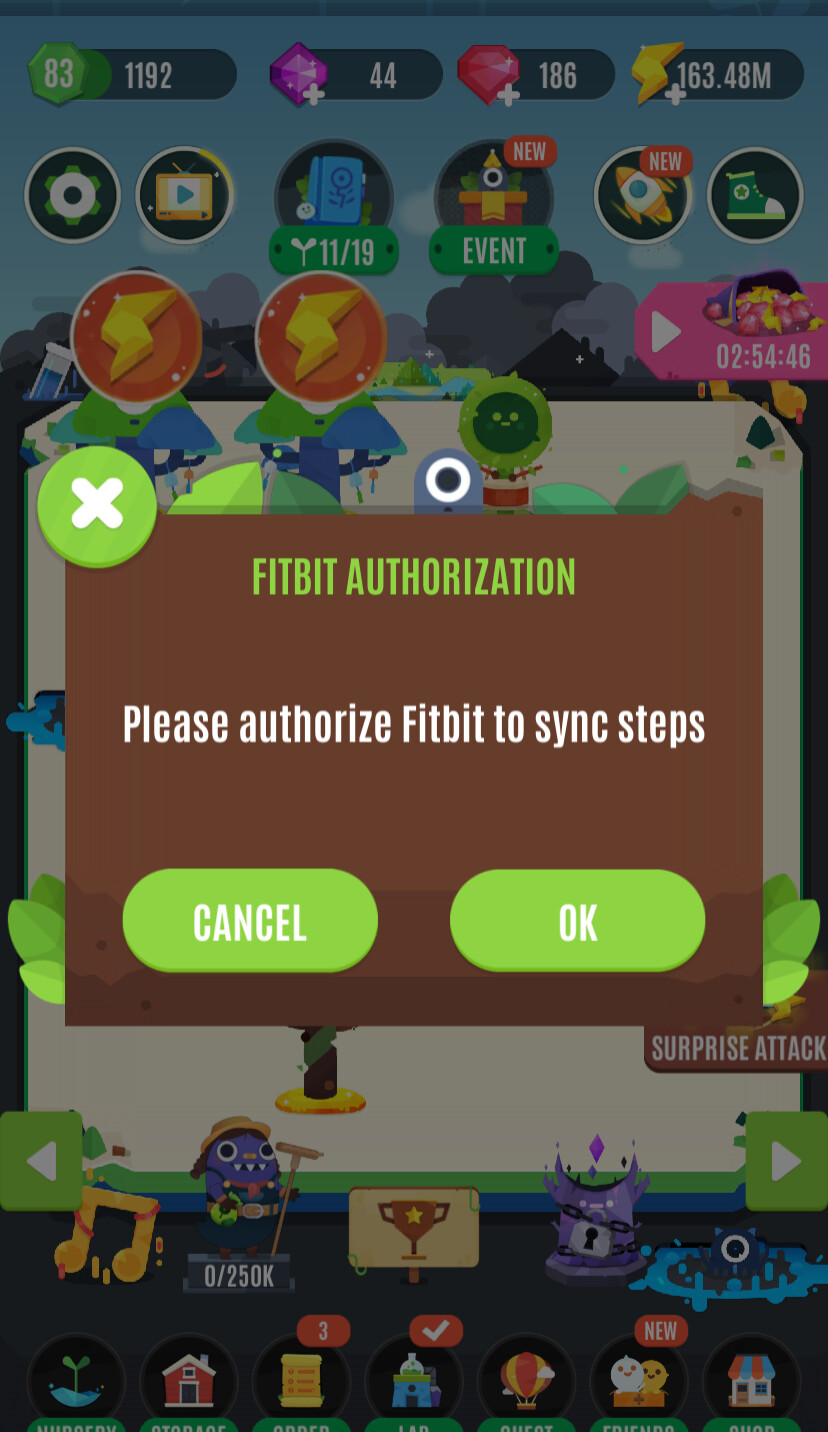
I have played before with using my fitbit to tracks teps with no problem. I set up a new game a couple months go, but it would not let me choose “Fitbit” undert the select device section during setup. I selected “Phone” and it did let me move forward and tracked my steps from my phone data.
I click “Fitbit” and it shows a checkmark (See photo), but then nothing happens when I press “Next.” I’ve tried hitting the "Next’ button dozens of times and nothing happens if “Fitbit” is selected.
I deleted my previous game, waited a few weeks, and tried again, but it will not connect. Using phone steps is not motivating for me. How can I connect to my fitbit?
The game is having trouble linking to your Fitbit account. Since selecting Fitbit shows a checkmark but doesn’t let you proceed, it may be a connectivity or app permission issue. First, make sure your Fitbit app is up to date and that the game has permission to access your Fitbit data. Try logging out and back into both the Fitbit app and the game. If that doesn’t work, uninstall and reinstall the game, then attempt setup again. If Fitbit still won’t connect, contacting the game’s support team is recommended—they may need to troubleshoot account linking or confirm if there’s a known issue with Fitbit integration.
I thought this was the game support team. This is beyond frustrating. I really liked the game, but it is unplayable with the Fitbit now. Oh well. I’ll take your advice and just delete it. Hope another company comes out with a product like this that works with Fitbit.